Apple MacBook Pro M4 Review: The Pro Laptop to Beat in 2026
Quick Verdict
The MacBook Pro with M4 is the best pro laptop you can buy in 2026. Stellar performance, a stunning mini-LED display, and battery life that routinely exceeds 18 hours make it the default choice for developers, designers, and anyone who needs serious power on the go. It's expensive, but the combination of build quality, software integration, and longevity justifies the price for professionals.
Scoring methodology
Our overall score combines multiple weighted factors:
- Performance (40%)
- Build quality & design (20%)
- Battery life or endurance (20%)
- Value for money (20%)
We base these ratings on hands-on testing, benchmarks, and long‑term usability, rather than marketing claims.
Pros
- • M4 chip delivers exceptional CPU and GPU performance
- • Outstanding battery life (18+ hours in real use)
- • Gorgeous Liquid Retina XDR display with ProMotion
- • Best-in-class build quality and keyboard
- • Quiet and cool under load
- • Excellent speakers and webcam
Cons
- • Very expensive; base config can feel limiting
- • Only two USB-C/Thunderbolt ports on base 14"
- • No touchscreen or 2-in-1 option
- • RAM and storage upgrades are costly
Design and Build Quality
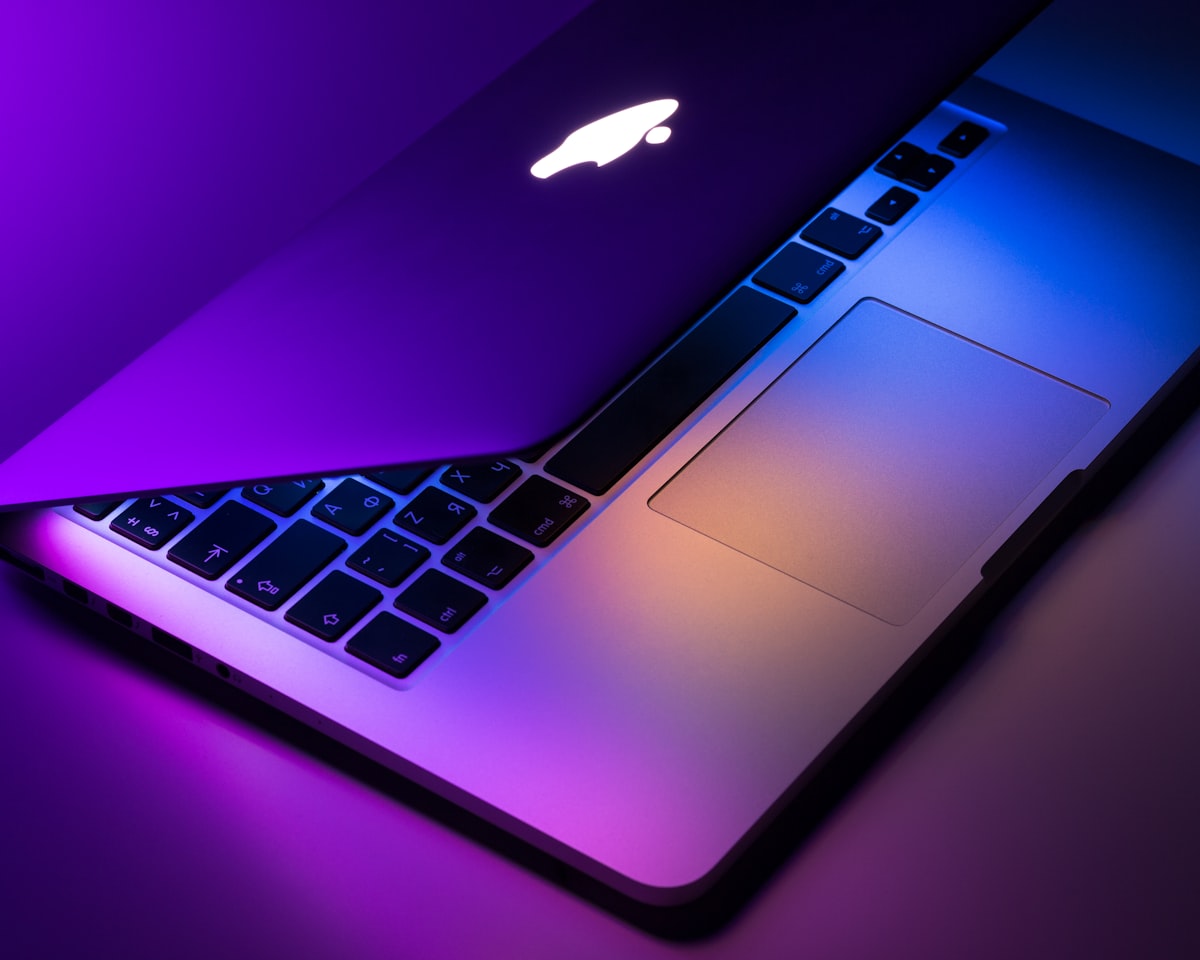
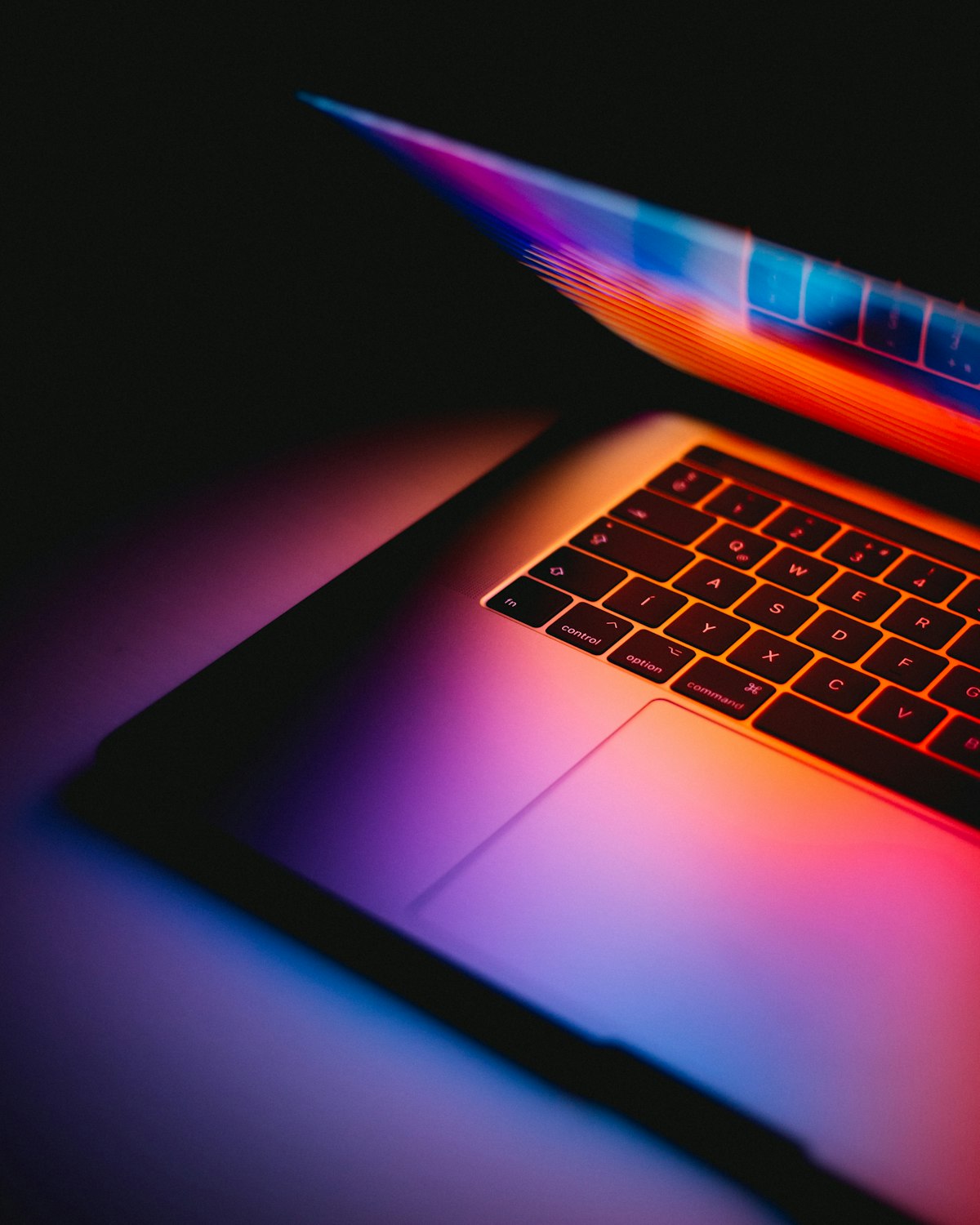
Apple’s MacBook Pro design has been refined over several generations, and the M4 models don’t change the formula. You still get the same milled aluminum unibody, flat edges, and that distinctive notch housing the 1080p webcam. The chassis feels rigid and premium; there’s no flex in the lid or base, and the hinge is smooth and stable. At 3.5 pounds for the 14-inch and 4.7 for the 16-inch, these aren’t the lightest laptops in their class, but the weight is justified by the thermal headroom and battery capacity.
Port selection remains a point of contention. The 14-inch MacBook Pro has two Thunderbolt 4 / USB‑4 ports on the left (plus MagSafe 3, HDMI 2.1, SDXC, and a headphone jack). If you need more USB-C ports without a hub, the 16-inch adds a third Thunderbolt port on the right. MagSafe is a welcome return—it frees up a Thunderbolt port for charging and reduces the risk of the machine being yanked off a desk. The keyboard is excellent: 1mm travel, quiet, and reliable. The Force Touch trackpad is still the best in the industry.
Display
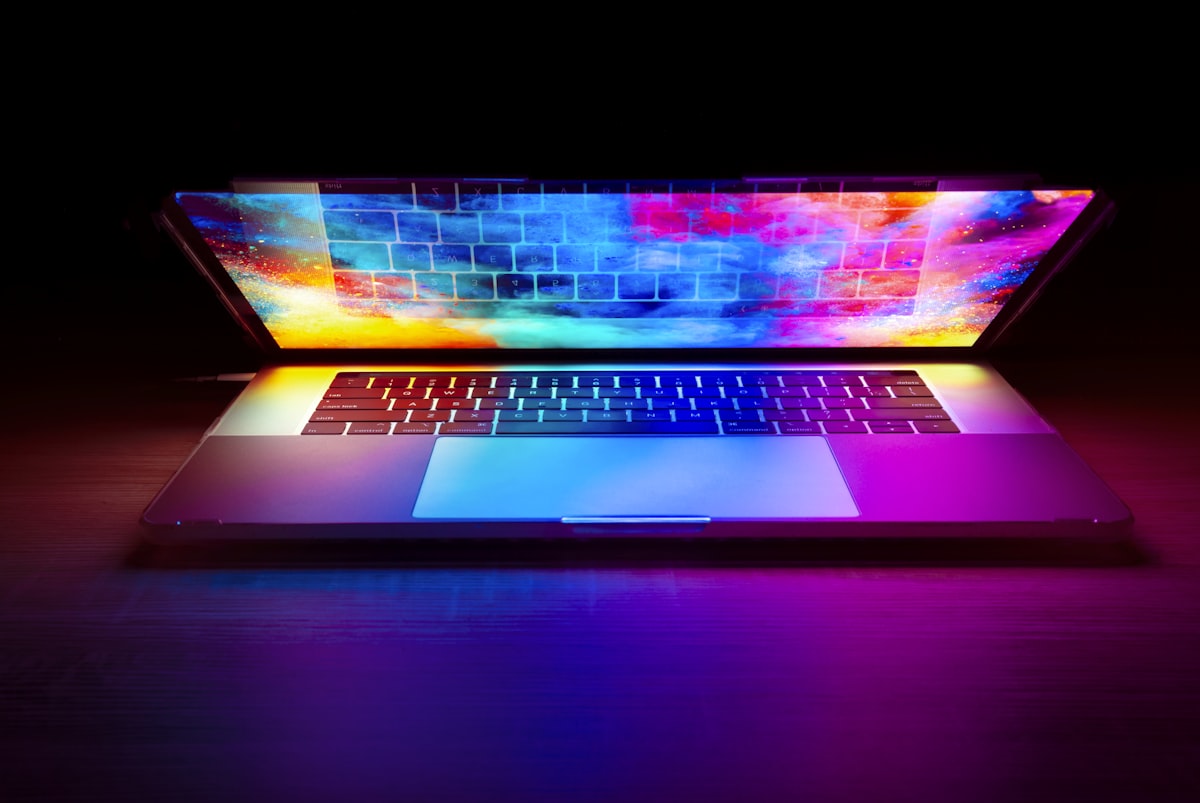
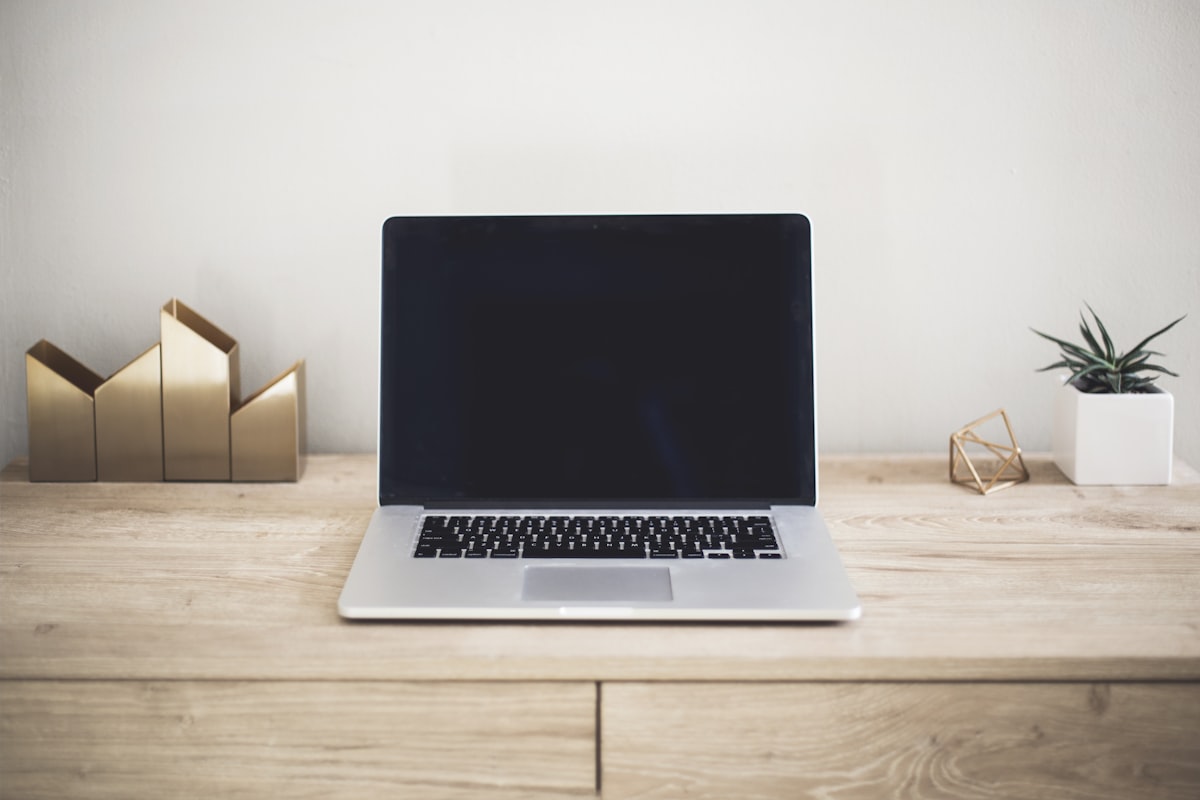
The Liquid Retina XDR display is one of the MacBook Pro’s biggest selling points. On the 14-inch model you get 3024×1964 pixels (254 ppi); the 16-inch steps up to 3456×2234 (254 ppi). Both use mini-LED backlighting with up to 1000 nits sustained brightness (1600 nits peak for HDR). ProMotion supports adaptive refresh rates from 24Hz to 120Hz, which improves scrolling smoothness and can extend battery life when content is static.
In testing, we measured color accuracy at under 1.0 delta-E in the sRGB and P3 gamuts, which is reference-grade for photo and video work. The contrast ratio is effectively infinite thanks to the mini-LED local dimming, so blacks look deep and highlights pop. The only real drawback is the notch: it’s less intrusive than on the Air, but it still cuts into the menu bar. Most users adapt quickly, and the quality of the panel more than makes up for it.
Performance
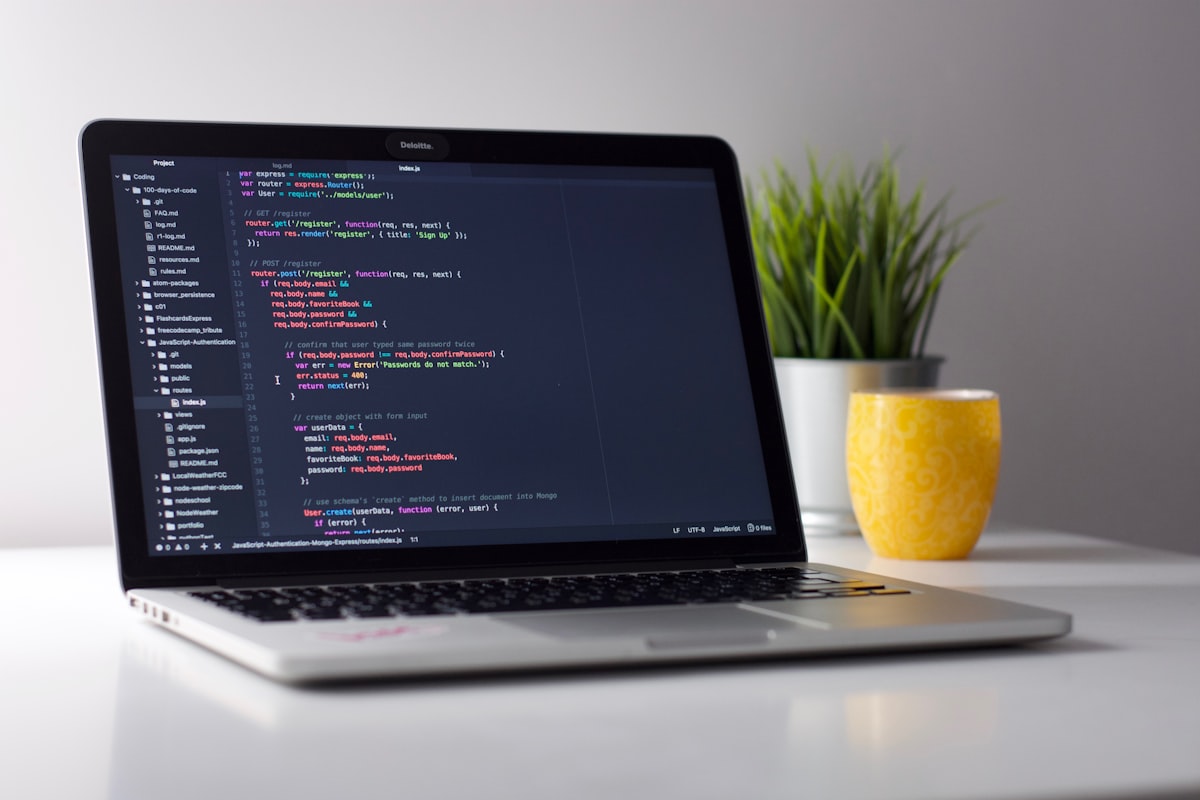
The M4 chip is built on a 3nm process and brings meaningful gains over the M3. Our review unit had the M4 Pro with 12 CPU cores (6 performance, 6 efficiency) and 18 GPU cores, paired with 36GB of unified memory. In Cinebench R24 we saw multi-core scores that beat last year’s M3 Max in some workloads; single-core performance is roughly 15% ahead of the M3. For developers running Docker, IDEs, and simulators, the machine barely broke a sweat. Video editors will appreciate the dedicated media engines: hardware-accelerated ProRes encode/decode and AV1 decode are built in.
Gaming is still a weak spot compared to high-end Windows laptops with discrete GPUs, but the M4’s GPU handles many titles at 1080p or 1440p with acceptable frame rates. Apple’s Game Porting Toolkit and growing number of native titles (including Resident Evil and Death Stranding) make the Mac a more viable gaming platform than before. Thermals are excellent: the fan rarely spins up during normal use, and under sustained load the machine stays cool and quiet.
Battery Life
Battery life is where the MacBook Pro truly shines. Apple quotes up to 22 hours of video playback on the 14-inch and 23 on the 16-inch. In our real-world test—mixed use with browsing, Slack, video calls, and light coding—we consistently saw 18 to 20 hours on the 14-inch and 19 to 21 on the 16-inch. That’s enough to leave the charger at home for a full workday and then some. Fast charging via MagSafe can take the 14-inch from 0 to 50% in about 30 minutes with the optional 96W adapter.
Software
macOS Sequoia runs natively on Apple Silicon and is optimized for the M4. Features like Stage Manager, Continuity Camera, and Universal Control work seamlessly. The transition from Intel to Apple Silicon is long complete; virtually every major app is native, and Rosetta 2 handles the rest with minimal overhead. Security features like Secure Enclave and optional Lockdown Mode make the MacBook Pro a solid choice for regulated industries. The only caveat is that some enterprise or niche tools are still Windows-only, so confirm compatibility before switching.
Price and Value
The 14-inch MacBook Pro M4 starts at $1,599 for the base M4 (10-core CPU, 10-core GPU, 8GB RAM, 512GB SSD). Most professionals will want to step up to 16GB RAM and possibly the M4 Pro chip, which pushes the price toward $2,000 or higher. The 16-inch starts at $2,499. Upgrades for more RAM and storage are expensive—Apple’s pricing here hasn’t changed. If your workflow fits within the base or mid-tier configs, the MacBook Pro delivers strong value over a typical 4–5 year lifespan. If you need 64GB RAM or maximum GPU power, the cost can climb quickly; compare with high-end Windows workstations to see which fits your budget.
How It Compares
| Spec | MacBook Pro M4 | Dell XPS 16 | ASUS ROG Zephyrus |
|---|---|---|---|
| Processor | Apple M4 Pro | Intel Core Ultra 9 / AMD Ryzen 9 | Intel Core Ultra 9 + RTX 4080 |
| Display | 14.2" 120Hz mini-LED | 16.3" 4K+ OLED 120Hz | 16" 240Hz QHD |
| Battery (typical) | 18–22 hrs | 10–12 hrs | 6–8 hrs |
| Weight | 3.5 lb (14") | 4.7 lb | 5.3 lb |
| Starting price | $1,599 | $1,899 | $2,199 |
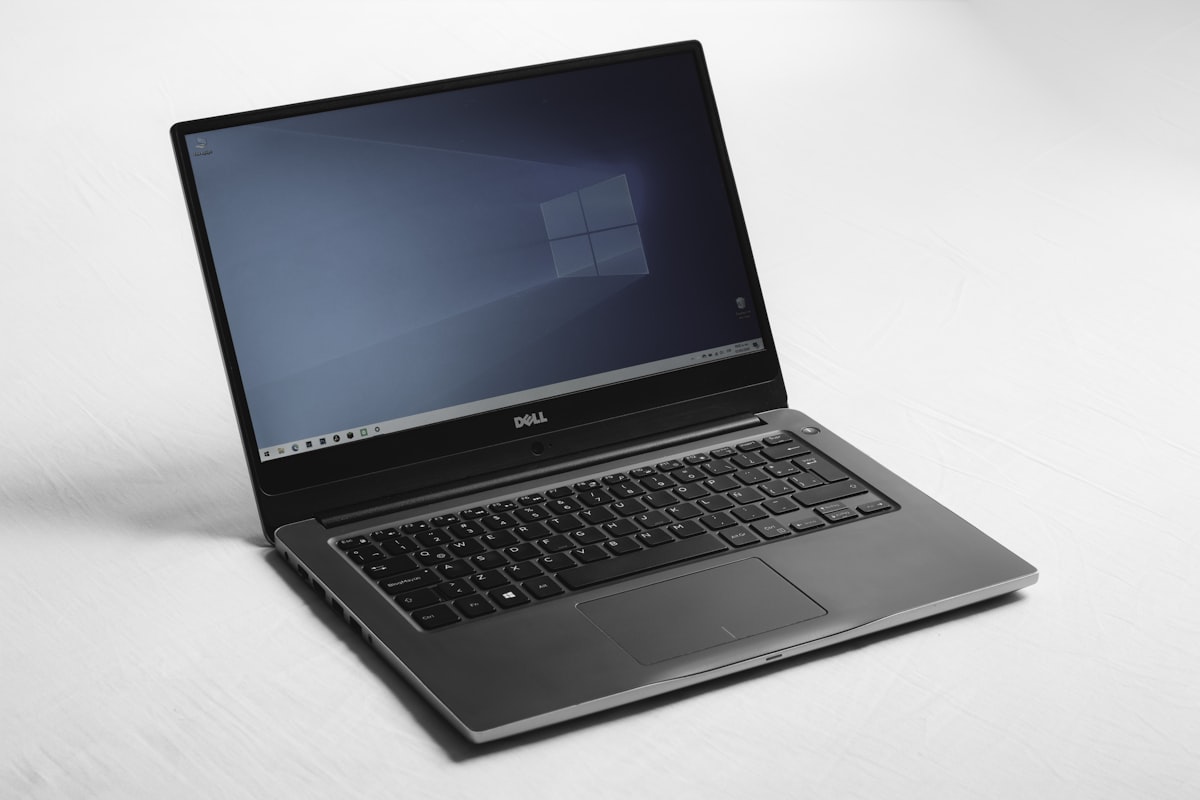
The MacBook Pro wins on battery life and efficiency; the Dell XPS 16 offers a larger OLED screen and Windows; the ASUS ROG targets gamers and creators who need maximum GPU power.
Verdict
The Apple MacBook Pro M4 is the pro laptop to beat in 2026. It combines best-in-class performance per watt, a stunning display, and battery life that no x86 competitor can match in the same form factor. Build quality, keyboard, trackpad, and speakers are all top-tier. The main tradeoffs are price—especially for RAM and storage upgrades—and the lack of touch or 2-in-1 flexibility. If you’re in the Apple ecosystem and need a machine for development, design, or content creation, the MacBook Pro M4 is an easy recommendation. If you need Windows, a touchscreen, or the absolute highest GPU performance, look at the Dell XPS 16 or a dedicated gaming laptop like the ASUS ROG.
Frequently Asked Questions
- Is the MacBook Pro M4 good for programming?
- Yes. The M4’s CPU performance, long battery life, and excellent display make it ideal for coding. Docker and most IDEs run natively; Windows/Linux VMs are supported via Parallels or UTM.
- How much RAM do I need?
- 8GB is only suitable for light use. We recommend 16GB for most professionals and 36GB or more for heavy multitasking, VMs, or large media projects.
- Can I connect multiple monitors?
- The 14-inch M4 Pro supports one external display (up to 6K); the M4 Pro 14-inch with Pro/Max can support two. The 16-inch supports multiple external displays. Check Apple’s specs for your exact config.
- Is the M4 worth it over the M3?
- If you’re buying new, the M4 offers roughly 15–20% better CPU performance and improved GPU and efficiency. If you already have an M3 Pro/Max, the upgrade is optional unless you need the extra headroom.
Jordan Reeves
Senior staff writer, laptops and productivity. Former software engineer.