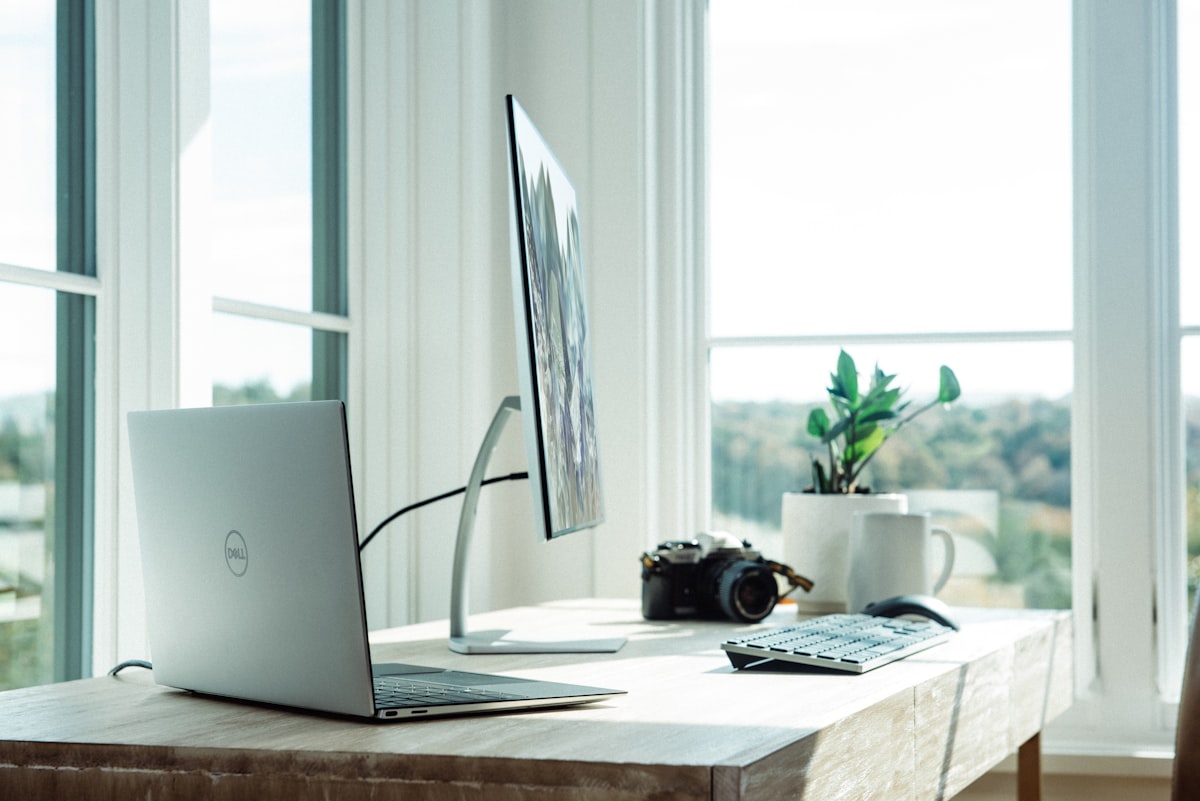
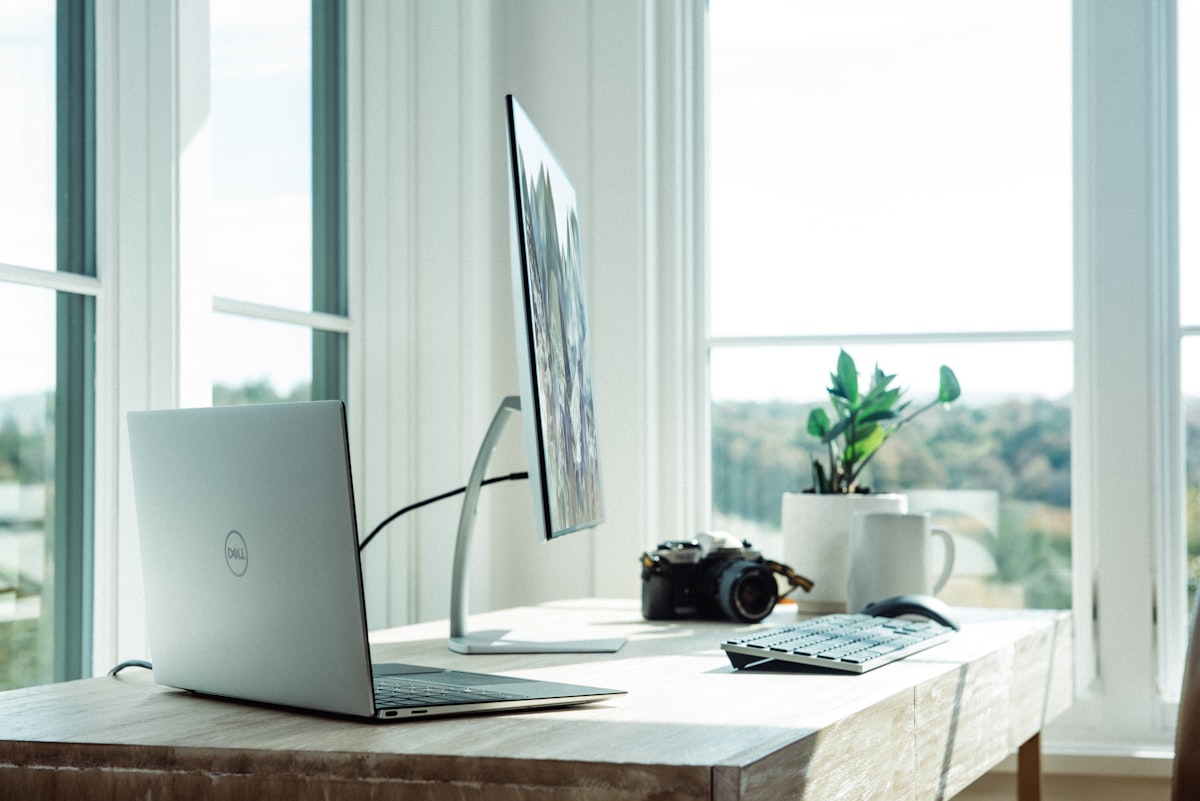
Dell XPS 16 Review: Big Screen, Serious Power for Creators

Quick Verdict
The Dell XPS 16 is a top-tier Windows creator laptop with a stunning 16.3-inch 4K+ OLED display, Intel Core Ultra 9 or AMD Ryzen 9 options, and a sleek design. It’s powerful for video editing, 3D work, and development, with a great keyboard and trackpad. Battery life lags behind the MacBook Pro, and it’s expensive when maxed out, but for Windows users who want a large, beautiful screen and desktop-class performance, the XPS 16 is a standout choice.
Pros
- • Gorgeous 16.3" 4K+ OLED 120Hz display
- • Strong CPU/GPU options (Core Ultra 9, discrete GPU)
- • Premium build, excellent keyboard and trackpad
- • Good port selection including Thunderbolt 4
Cons
- • Battery life 10–12 hrs vs 18+ on MacBook Pro
- • Can get hot and loud under sustained load
- • High price when fully configured
Design and Build Quality
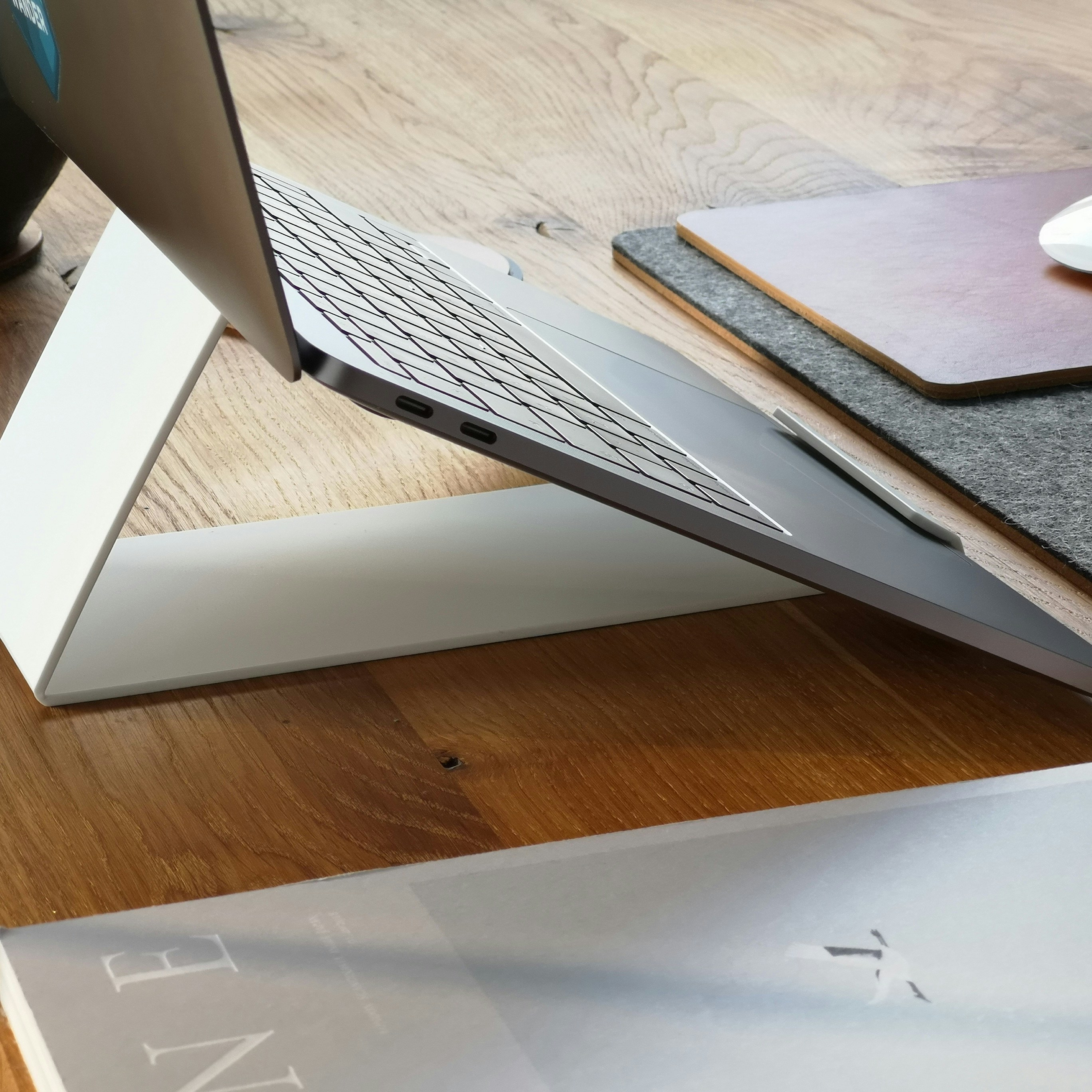
The XPS 16 uses Dell’s signature machined aluminum and carbon fiber or glass options. The chassis is rigid and the hinge is smooth. At around 4.7 pounds it’s not the lightest 16-inch laptop, but the build quality justifies the weight. The keyboard has 1.3mm travel and is comfortable for long typing; the glass trackpad is large and precise. The keyboard deck uses a zero-lattice design that keeps the look clean. Ports include Thunderbolt 4, USB-C, SD card reader, and a 3.5mm jack—no legacy USB-A, so a dongle may be needed.
Display
The 16.3-inch OLED panel is the star. Resolution is 3840×2400 (4K+) with 120Hz adaptive refresh. Blacks are true black, contrast is infinite, and color coverage exceeds DCI-P3. For photo and video work the panel is reference-grade. Brightness in SDR is around 400 nits; HDR highlights can push higher. The only downside is potential burn-in over many years with static elements—Dell includes pixel refresh and other mitigations. For most creators this is the best display on a Windows laptop.

Performance
Configurations range from Intel Core Ultra 7 to Core Ultra 9, or AMD Ryzen 9, with up to NVIDIA GeForce RTX 4070 or similar. For video editing in DaVinci Resolve and Premiere, 3D in Blender, and heavy multitasking, our review unit (Core Ultra 9, 32GB RAM, RTX 4070) never felt underpowered. Thermals are managed with vapor chamber cooling; the laptop can get warm and the fans spin up under load but remain acceptable. Gaming is viable at 1080p and 1440p with reduced settings on demanding titles.
Battery Life
With the OLED panel and powerful hardware, we saw 10–12 hours in mixed productivity use. That’s good for a Windows laptop of this class but well short of the MacBook Pro’s 18+ hours. Heavy creative work or gaming will drain the battery in a few hours. Fast charging is supported.
Price and Value
The XPS 16 starts around $1,899 and can exceed $3,000 with maxed CPU, GPU, RAM, and storage. For creators who need a large, color-accurate display and Windows compatibility, it’s a justified investment. If battery life is paramount or you’re in the Apple ecosystem, the MacBook Pro 16 remains the efficiency king.
XPS 16 vs MacBook Pro 16 vs ASUS ROG
| Spec | Dell XPS 16 | MacBook Pro 16 M4 | ASUS ROG (example) |
|---|---|---|---|
| Display | 16.3" 4K+ OLED 120Hz | 16.2" Liquid Retina XDR 120Hz | 16" QHD 240Hz |
| Battery (typical) | 10–12 hrs | 18–22 hrs | 6–8 hrs |
| GPU | Up to RTX 4070 | M4 Pro/Max integrated | Up to RTX 4090 |
| From | $1,899 | $2,499 | $2,199 |
Verdict
The Dell XPS 16 is the best large-screen Windows creator laptop we’ve tested in 2026. The OLED display, performance, and build quality make it a compelling choice for video editors, designers, and developers who need a portable powerhouse. Battery life and thermals are the main trade-offs versus the MacBook Pro. If you’re committed to Windows and want the best display and performance in this class, the XPS 16 is an easy recommendation.
FAQ
- Is the XPS 16 good for gaming?
- With an RTX 4060 or 4070 it can game at 1080p and 1440p. For dedicated gaming, a purpose-built gaming laptop will offer better thermals and higher refresh rates.
- Can you upgrade RAM and storage?
- Some XPS 16 configurations have soldered RAM; storage is typically user-upgradeable via M.2. Check the specific SKU before buying.
- How does the OLED hold up over time?
- Dell includes panel care features to reduce burn-in risk. For varied content and normal use, longevity should be good; avoid leaving static images for days.
Jordan Reeves
Senior staff writer, laptops and productivity.