Best Ultrabooks for Work 2026
Quick Verdict
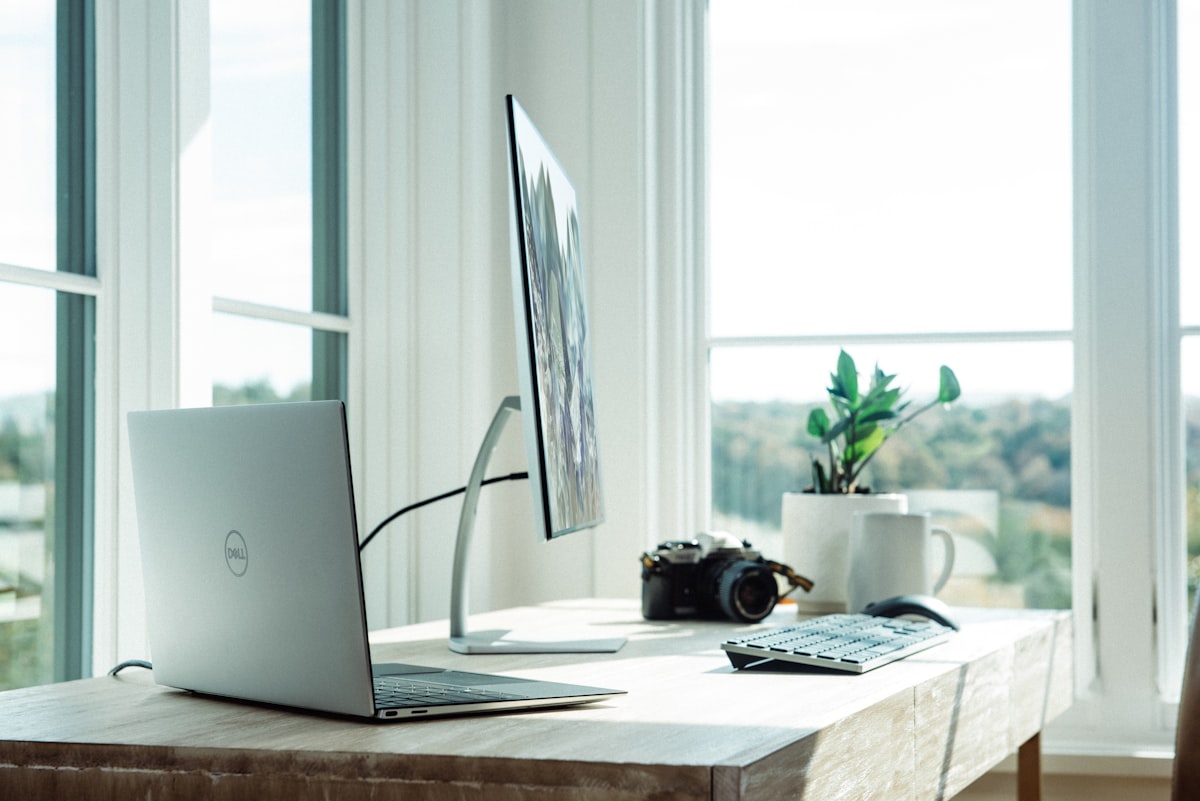
The best Ultrabooks for work in 2026 blend thin-and-light portability with strong performance and all-day battery life. Our top picks are the Apple MacBook Pro M4 for Apple users, the Dell XPS 14/16 for Windows power users, and the Lenovo ThinkPad X1 Carbon for keyboard-first professionals. Budget-minded buyers should consider the Acer Swift or HP Pavilion Aero.
Pros of modern Ultrabooks
- • Thin, light, and easy to carry
- • All-day battery in most models
- • Strong performance for office and creative work
- • Great displays and keyboards
- • USB-C/Thunderbolt connectivity
Cons
- • Premium models are expensive
- • Limited upgradeability (soldered RAM/SSD)
- • Port selection often requires dongles
What Makes a Great Work Ultrabook?
An Ultrabook in 2026 is defined by thinness (typically under 18mm), weight under 1.5 kg for 13–14 inch models, and a focus on battery life and build quality. Intel’s Evo platform and AMD’s Ryzen AI branding help identify laptops that meet strict standards for wake time, battery, and connectivity. Apple’s MacBook Air and Pro don’t use the Ultrabook label but set the bar for portability and efficiency with M-series chips.
Design and Build Quality
Top-tier Ultrabooks use CNC aluminum or magnesium alloy chassis. The MacBook Pro and Dell XPS lines feel solid and premium; the ThinkPad X1 Carbon offers a distinct matte black look and legendary keyboard. Hinges should be stiff enough to use on your lap without wobble, and keyboards should have at least 1mm travel for comfortable typing. Trackpads are generally large and precise; Windows precision drivers and Apple’s Force Touch deliver consistent behavior.



Display
Expect at least Full HD (1920×1080) with good color coverage; many 2026 models ship with 2.8K or 3K resolution and 90Hz or 120Hz refresh. OLED panels are increasingly common on the Dell XPS and others, offering deeper blacks and vivid colors at the cost of potential burn-in over many years. For outdoor use, look for 400 nits or higher brightness. Touch is optional; it adds weight and cost, but can be useful for presentations and casual use.
Performance
For office work, browsing, and video calls, even entry-level Ultrabooks with Intel Core Ultra 5 or AMD Ryzen 5 are sufficient. Developers and content creators should aim for Core Ultra 7/9 or Ryzen 7/9, or Apple M4/M4 Pro. Unified memory on Apple Silicon (8GB minimum, 16GB recommended) and 16GB RAM on Windows are the practical minimums in 2026. Storage: 512GB SSD is the sweet spot; 256GB fills up quickly with apps and projects.
Battery Life
Apple’s M4 MacBooks lead in battery life, often exceeding 18 hours in light use. Modern Windows Ultrabooks with Intel Core Ultra or AMD Ryzen 7000/8000 series typically achieve 8–12 hours. Factors that drain battery include high brightness, cellular (if equipped), and heavy multitasking. Fast charging (e.g., 0–50% in 30 minutes) is common and reduces dependency on outlet access.
Price and Value
Ultrabooks range from around $800 for entry-level models to over $2,500 for maxed-out MacBook Pro or XPS. The best value is often in the $1,200–$1,800 band, where you get a strong CPU, 16GB RAM, 512GB SSD, and a great display. Budget options under $1,000 exist (Acer Swift, HP Pavilion Aero) but may compromise on build or screen quality. Consider total cost of ownership: a machine that lasts 5 years with good resale (e.g., MacBook) can justify a higher upfront price.
Top Picks at a Glance
| Model | Best for | From |
|---|---|---|
| MacBook Pro M4 14" | Pro creatives, devs, best battery | $1,599 |
| Dell XPS 14 | Windows power users, OLED | $1,499 |
| Lenovo ThinkPad X1 Carbon | Keyboard, business, durability | $1,429 |
Verdict
Choosing the best Ultrabook for work in 2026 depends on your OS preference, budget, and how much performance you need. MacBook Pro M4 is the default for Apple users who want the best balance of power and battery. Windows users who want a premium thin-and-light should look at the Dell XPS 14 or 16; those who prioritize keyboard and enterprise features will prefer the ThinkPad X1 Carbon. For tighter budgets, the Acer Swift or HP Pavilion Aero offer solid value without the premium materials.
FAQ
- What is the difference between an Ultrabook and a regular laptop?
- Ultrabooks are a class of thin, light Windows laptops that meet Intel’s specifications (thickness, weight, battery, wake time). The term is less used in 2026; “thin-and-light” or “premium laptop” is common. MacBooks are not called Ultrabooks but compete directly.
- Is 8GB RAM enough for an Ultrabook?
- For light browsing and Office work, 8GB can suffice. For development, design, or many browser tabs, 16GB is the recommended minimum. Apple’s unified memory is efficient, but 8GB on Mac can still feel tight with heavy apps.
- Which Ultrabook has the best battery life?
- Apple MacBook Pro and MacBook Air with M4 consistently lead in our tests (18–22+ hours). Among Windows Ultrabooks, models with Intel Core Ultra or AMD Ryzen and larger batteries (e.g., ThinkPad X1) often reach 10–12 hours.
Jordan Reeves
Senior staff writer, laptops and productivity.